
Simplifying Your IT Support
How to access our Client Portal
Introduction
Welcome to our comprehensive guide on creating and managing tickets via our workstation app and portal. Whether you’re new to our system or looking to streamline your ticketing process, this guide will walk you through each step for a smooth experience.
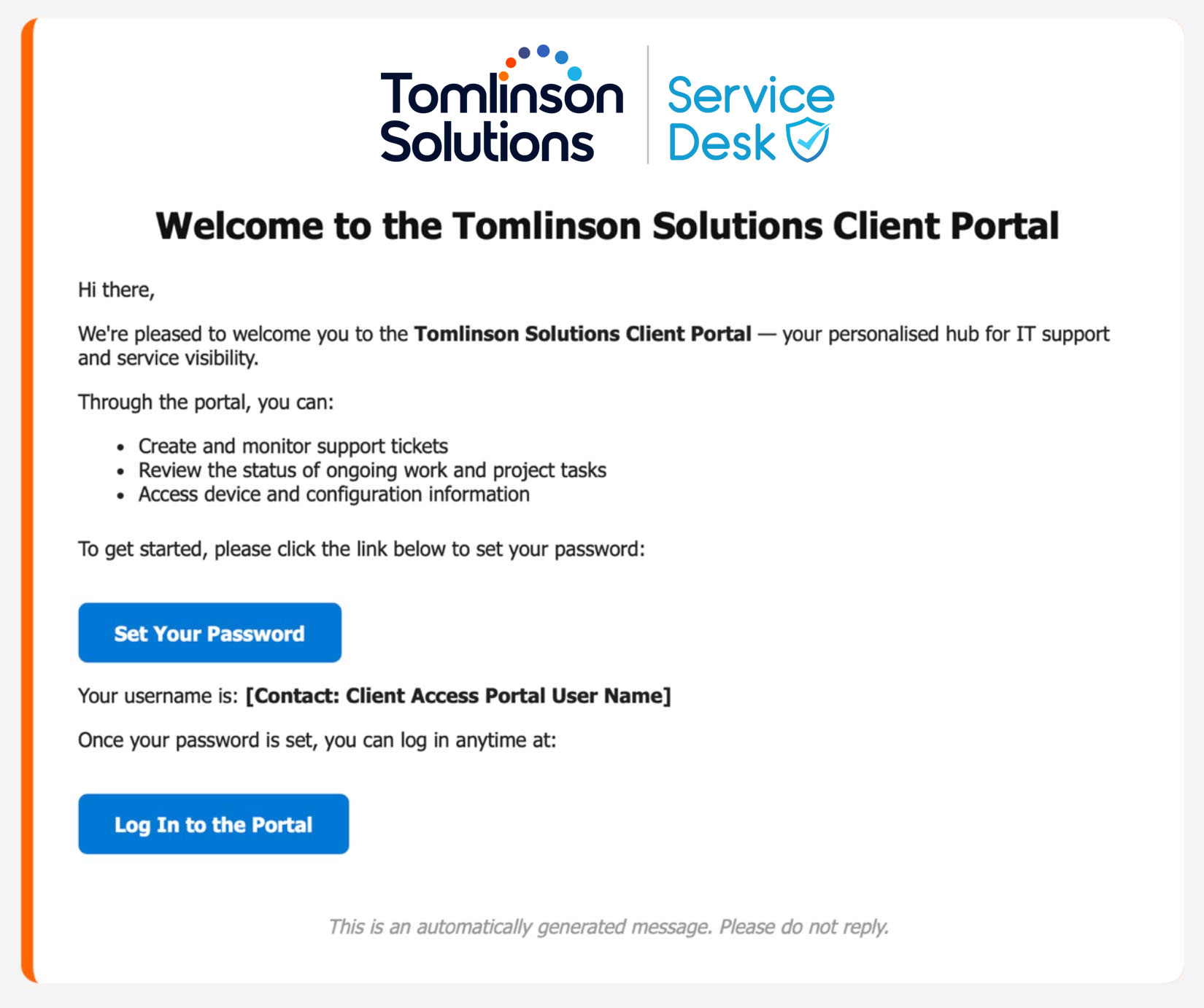
Welcome Email
After creating your account, you will receive a welcome email with essential information on how to get started. This email contains your password reset link and a direct link to our portal.
Accessing and Managing Tickets via Web Portal
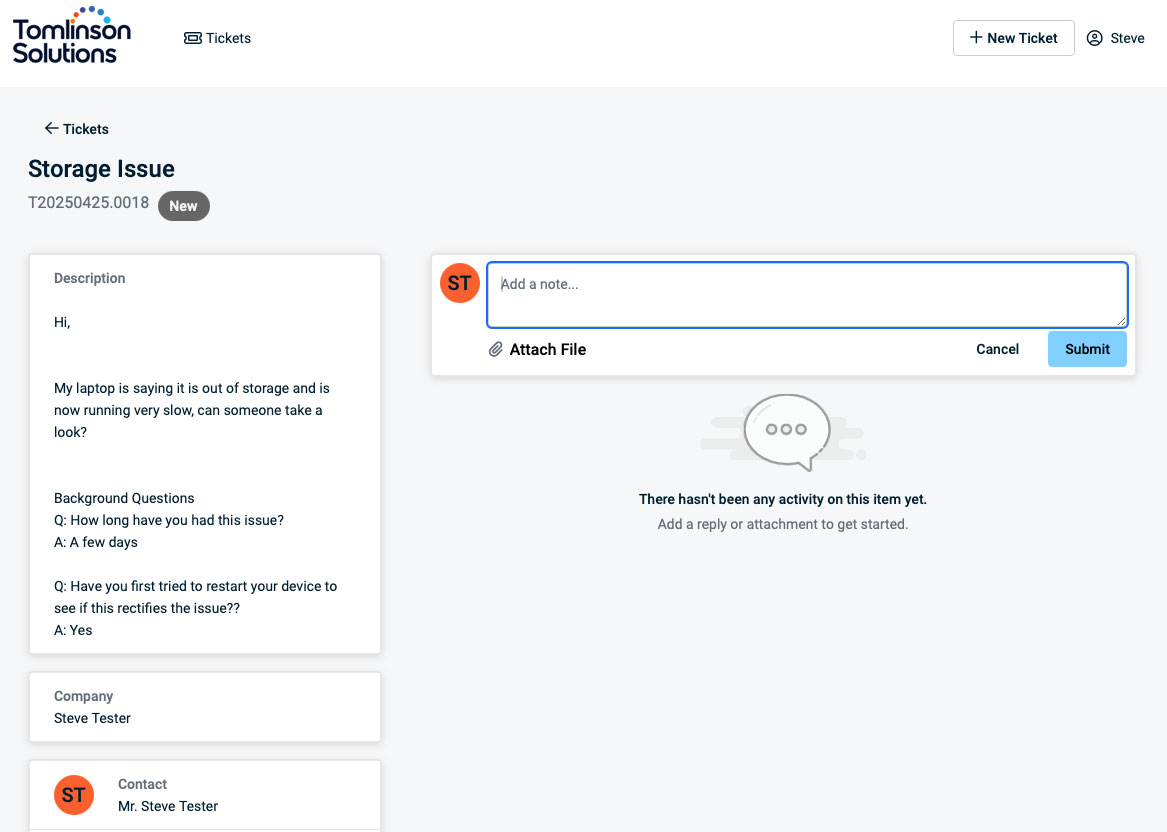
Once registered on the portal, you can log in with your credentials to create new tickets and manage existing ones. You can check progress, add updates, change ticket status, add comments, and upload attachments.
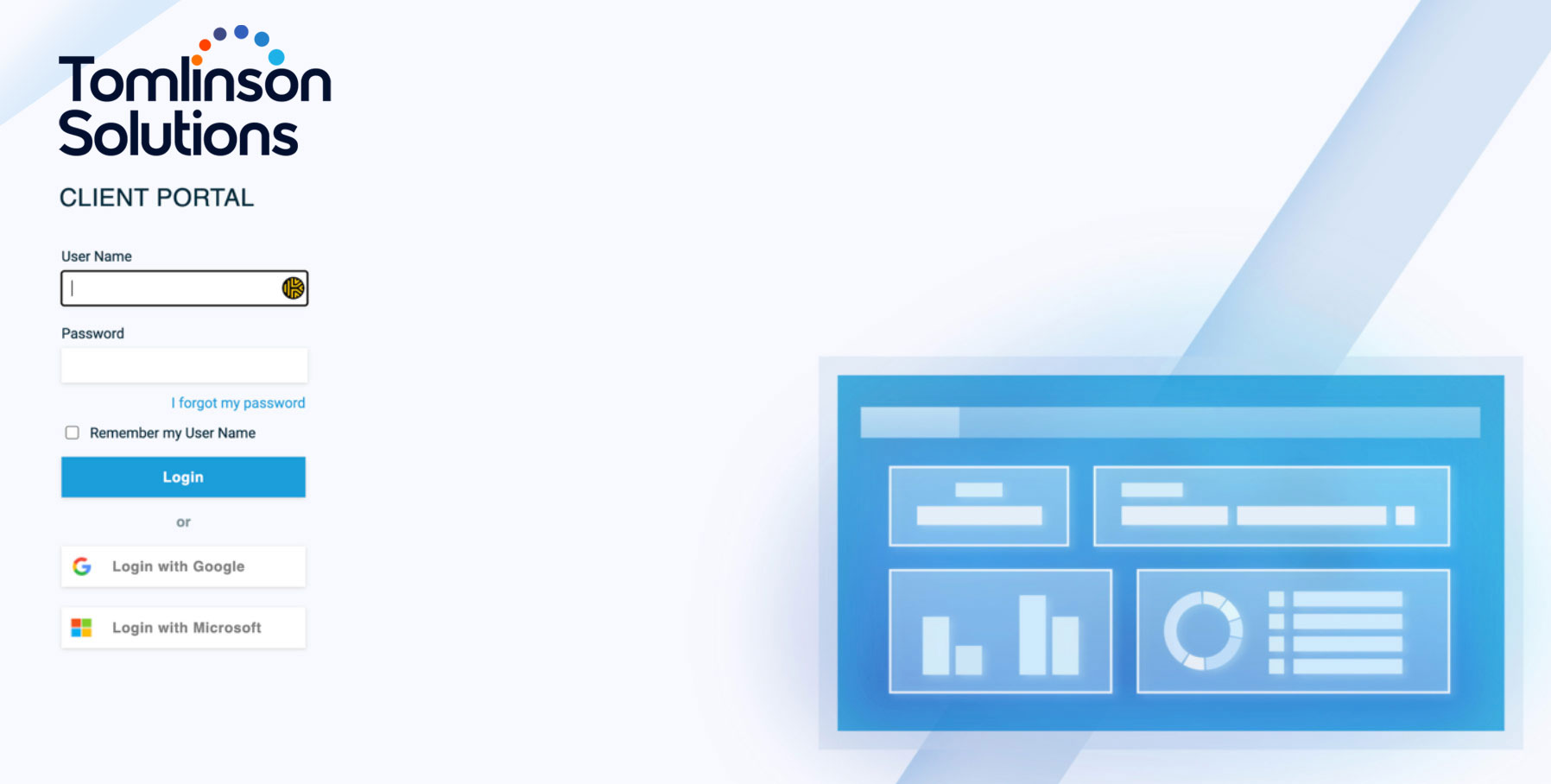
Portal Login Page
From the login page, you can create new tickets, check the progress of current tickets, and add updates or attachments.
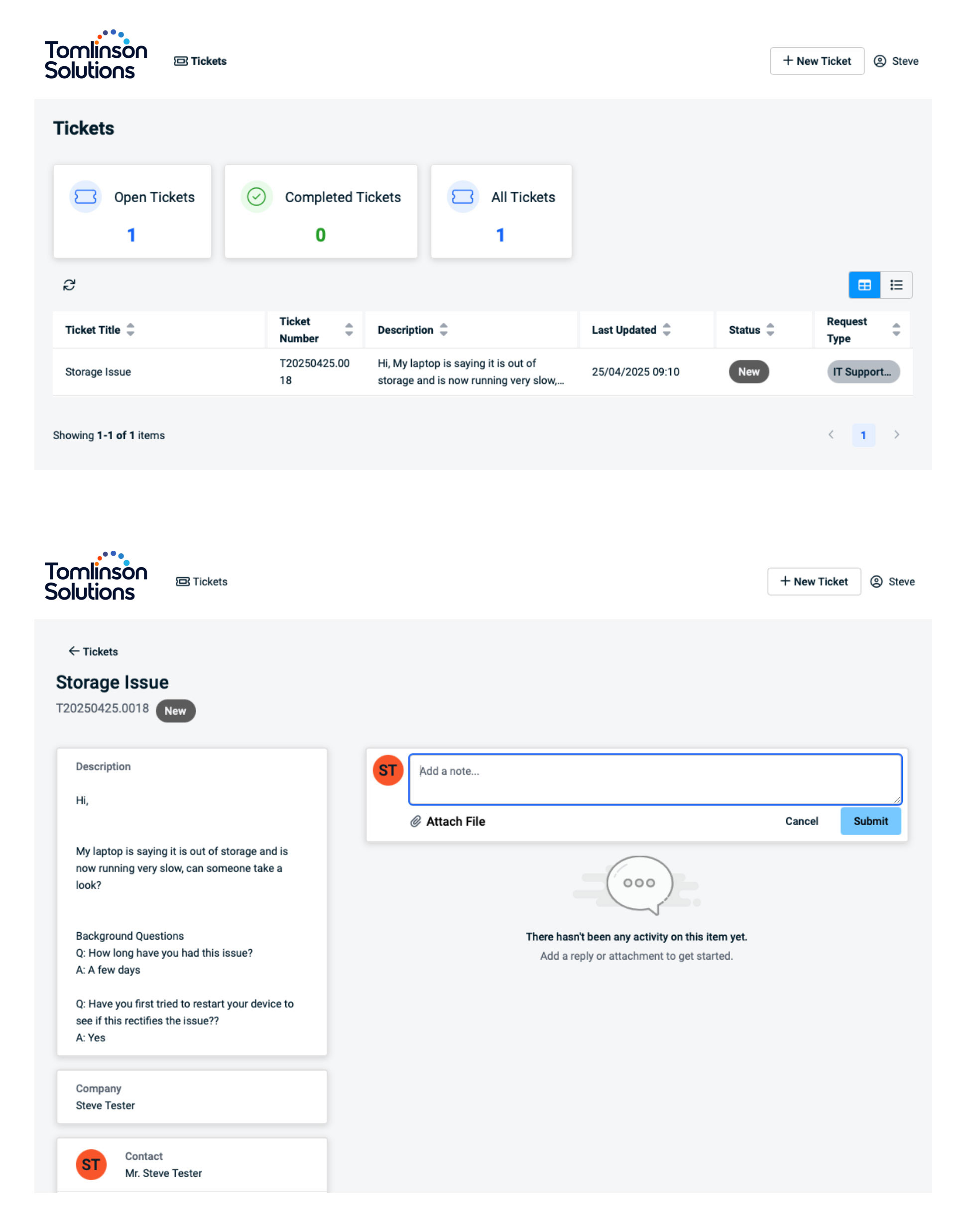
In the client portal it is possible to create new tickets and manage existing tickets.
How to use our Service Desk App
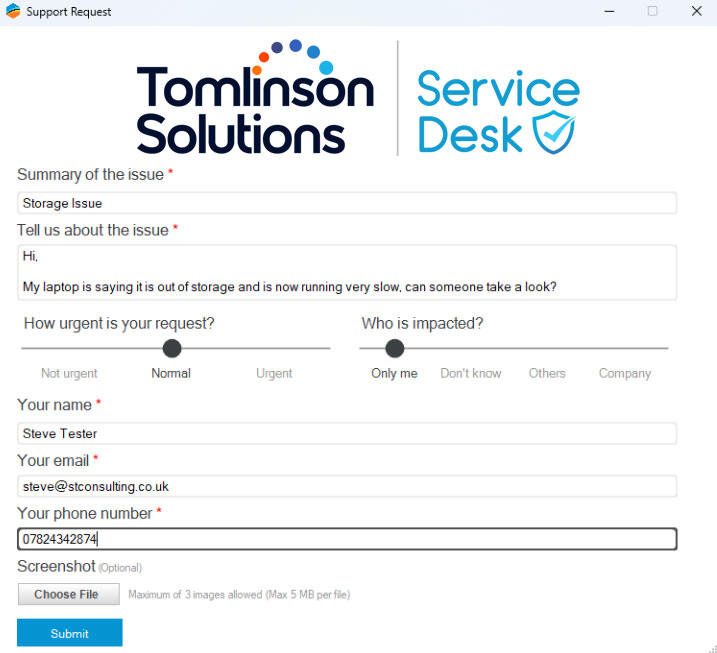
For quick access (Managed Customers Only), you can use the system tray app. This allows you to create tickets directly from your device without opening the full client portal.

Creating Tickets via Workstation App
To begin creating a ticket, open our workstation app on your device.

Windows: Look in the bottom-right system tray.

Mac: Look in the top-right menu bar.

1. Empathy First
We listen, understand, and respond with compassion and clarity.- We meet people where they are — technically and emotionally
- We see problems through our clients’ eyes and solve them with care
- This mindset builds trust, loyalty, and long-term relationships

2. Crafted Excellence
We take pride in the details and deliver work we’d be proud to put our name on.- Whether writing code, resolving an IT ticket, or designing a website — we care deeply
- Our commitment to reliability, quality, and accountability defines everything we ship
- We don’t just work fast — we work thoughtfully

3. Security By Design
We embed protection, privacy, and best practice into everything we build.- Security isn’t an afterthought — it’s the foundation of our work
- From web hosting to endpoint protection, we make it seamless, smart, and standard
- Our clients sleep better because we think like attackers and protect like guardians

4. Simplicity Wins
We turn complexity into clarity.- Whether it’s an interface, explanation, or process — we make things easy to understand and use
- No jargon. No chaos. Just confident, clear solutions
- Our clients feel in control — not confused

5. Collaborative Growth
We grow by growing others — as a partner, not just a provider.- We co-create with our clients, not dictate
- We share knowledge, empower teams, and celebrate mutual wins
- Internally, we thrive on feedback, learning, and honest collaboration

6. People Powered
We’re a people business — powered by real relationships, not just technology.- We look after our team so they can look after our clients
- We show up as humans first — with honesty, humility, and humour
- Because when people thrive, everything else follows